
Connections designed around event intent
Matchmaking and Pre-Scheduled Meetings
Help attendees find useful people, request meetings and keep conversations going before, during and after the event.
Matchmaking and scheduled meetings
Help participants find relevant people and agree on a time to meet
Use declared interests and participant profiles to improve discovery, then move from a suggested match to a permission-based connection and scheduled meeting.
Collect and manage interests during registration
Let participants describe what they want to discuss while organisers maintain the available interest list in the form builder.
- Participants can revise their selected interests from their profile.
- Dryfta recommends people with relevant shared interests.
- Recommendations are available on the website, mobile website and event app.
Make each recommendation understandable
Show the shared interests and the profile context that helps a participant decide whether to connect.
- Open the matched participant profile from the recommendation.
- Review role, organisation, sessions and other organiser-approved public details.
- Keep profile visibility under participant and organiser privacy controls.
Move from a connection request to a meeting
Give both participants a clear permission step before contact information or meeting details are exchanged.
- Send and accept a connection request.
- Reveal additional approved contact details only after acceptance.
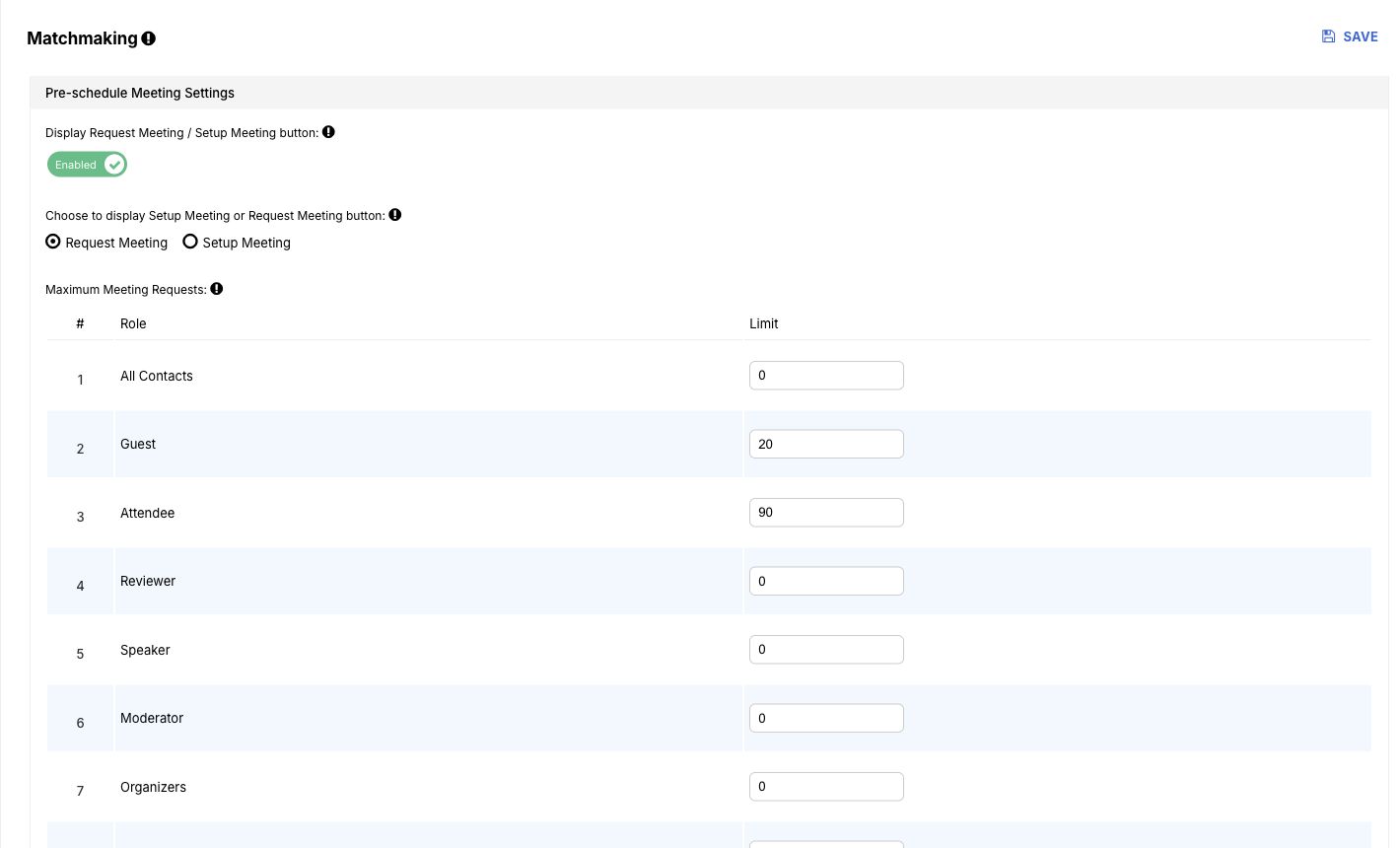
- Choose an available time slot and schedule the meeting.
More ways to support your event
Everything your team can manage in one place
Privacy and context
- Define which profile fields are public, connection-only or private.
- Use event interests, roles and programme context to support more useful recommendations.
Meeting operations
- Let participants manage connection requests and available meeting times.
- Keep meetings connected to the participant and event record.
Related guides and articles
Continue planning with practical resources




Frequently asked questions
Practical answers before you begin
How are people matched?
Dryfta compares the interests selected in participant profiles and registration data, then presents relevant profiles with the shared context visible.
Is contact information shared immediately?
No. Additional contact information can remain protected until a connection request is accepted, subject to the organiser’s privacy configuration.
Full feature list
What you can do with this product
Explore the complete feature list for this product and see how each tool supports your team’s work.
Attendee engagement and networking
Help participants discover people, exchange details, schedule meetings and contribute to event conversations.
- Real-time attendee and session presence updates
- Manual, QR and self-service event and session check-in
- Event and session discussions, comments and participant ranking
- Self-service attendee dashboard for profiles, tickets and schedules
- Interest-based attendee recommendations and matchmaking
- One-to-one meeting scheduling and calendar invitations
- Contact-detail and vCard requests
- Sponsor and exhibitor lead retrieval using QR scanning
- Configurable public-profile layouts and privacy controls
- Reviewer registration protection and attendee account deletion controls
See how this would work for your event
Book a practical demo with the local Dryfta KSA team.
Dryfta products
Choose the tools your event needs
Each product works with the same people, programme, payment and engagement records.
Event Registration and Ticketing Software
Create registration forms, sell tickets, send confirmations and see who has paid—all from one place.
View productAbstract Submission and Peer Review Software
Collect abstracts, assign reviewers, record decisions and keep authors updated without juggling spreadsheets.
View productProgramme Scheduling and Speaker Management
Build your agenda, assign rooms and speakers, spot clashes and publish schedule changes quickly.
View product