
Community and year-round engagement
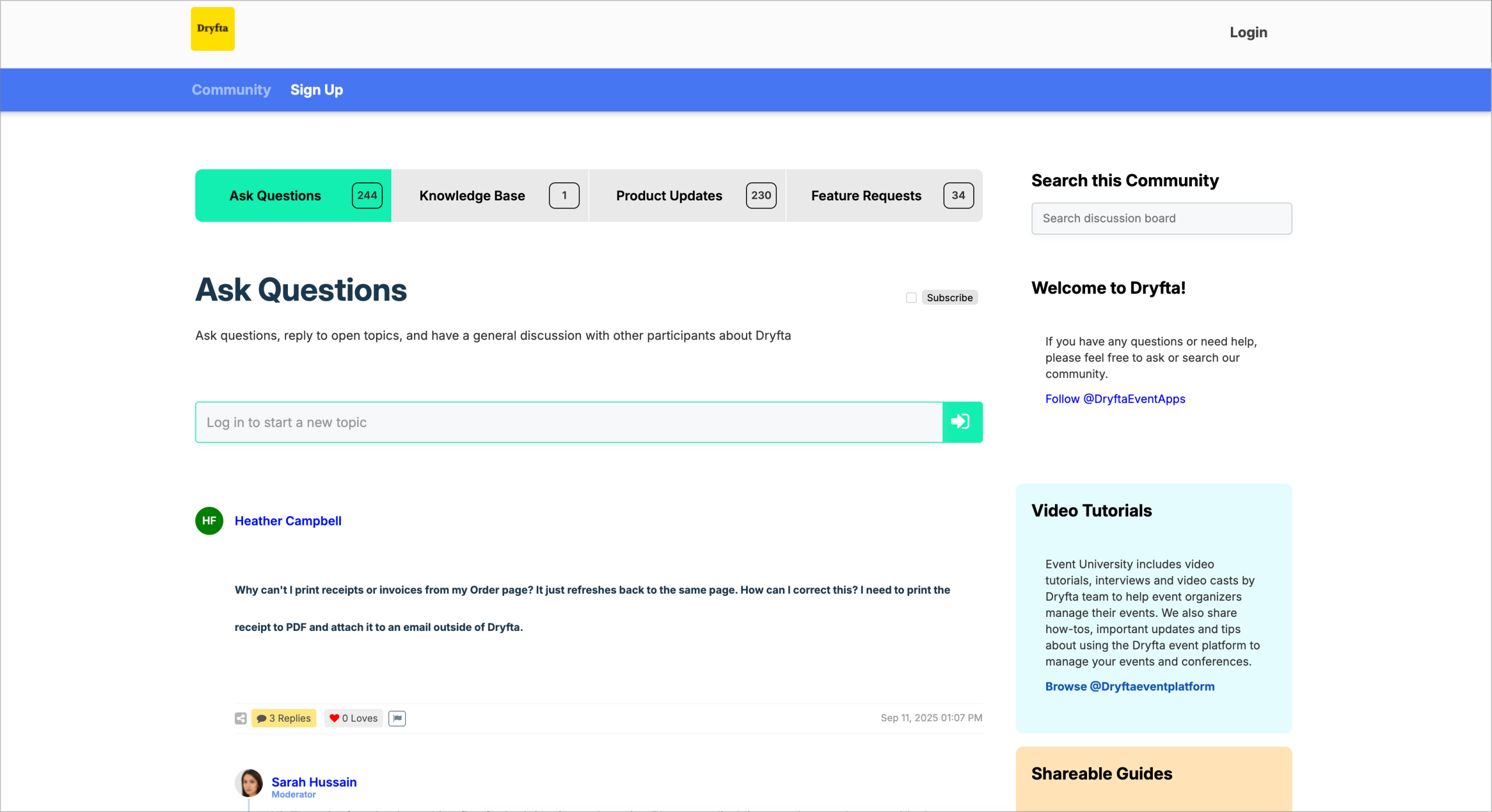
Online Community Platform for Events
Give participants a branded place to discuss, share knowledge and build useful connections around your event.
Community and year-round engagement
Give event participants a place to discuss, connect and contribute
Build a branded online community for conference attendees, speakers, reviewers, sponsors, members and research groups before, during and after an event in Saudi Arabia.
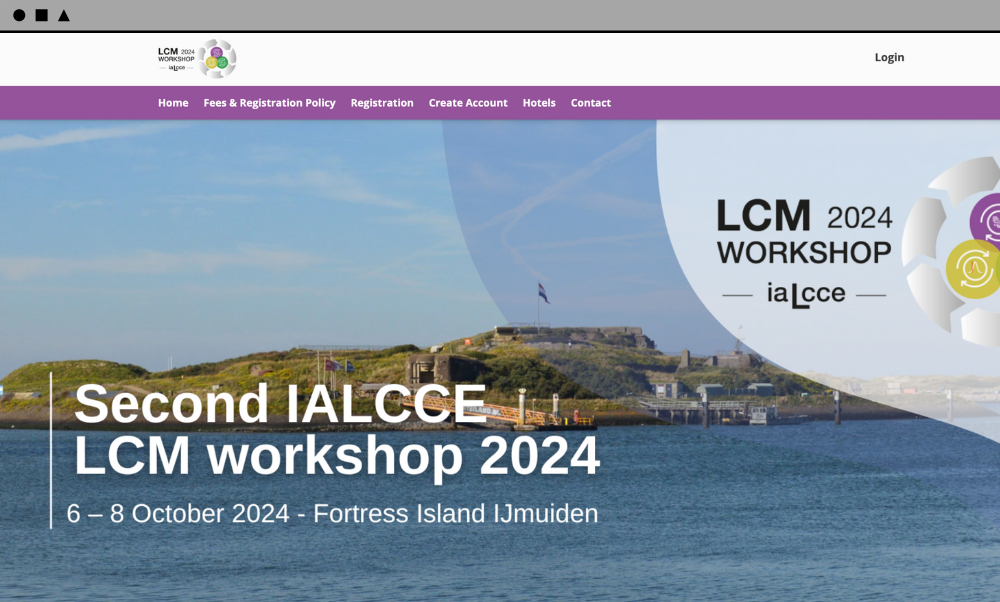
Universities represented on Dryfta’s published community platform page







Turn discussion into shared knowledge
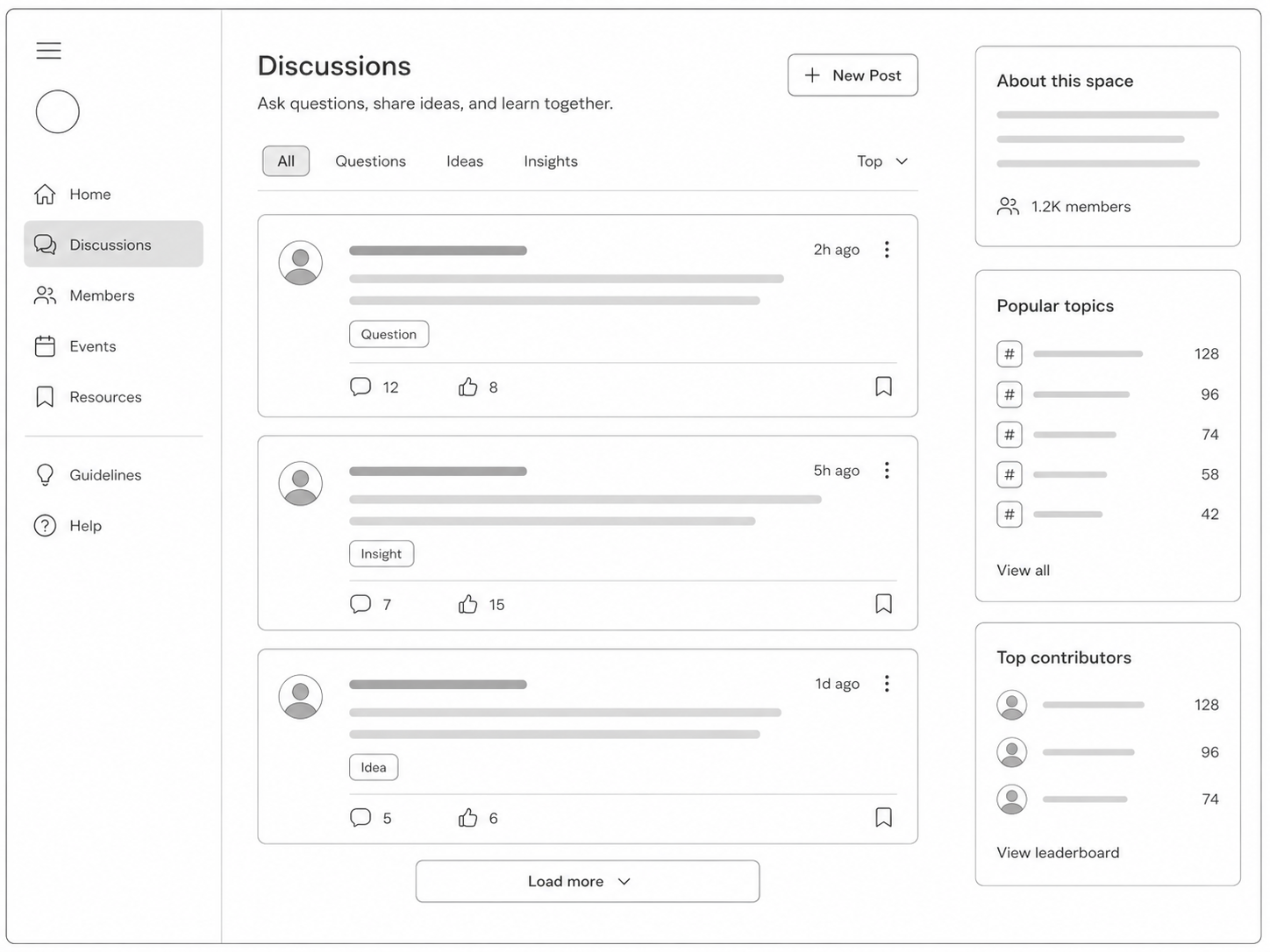
Give participants a structured place to exchange ideas and resources instead of letting valuable conversations disappear when a session ends.
- Create spaces for ideas, questions, notes and shared resources.
- Continue the conversation after a session finishes.
- Encourage peer learning between participants and speakers.
- Build an organised body of community knowledge over time.
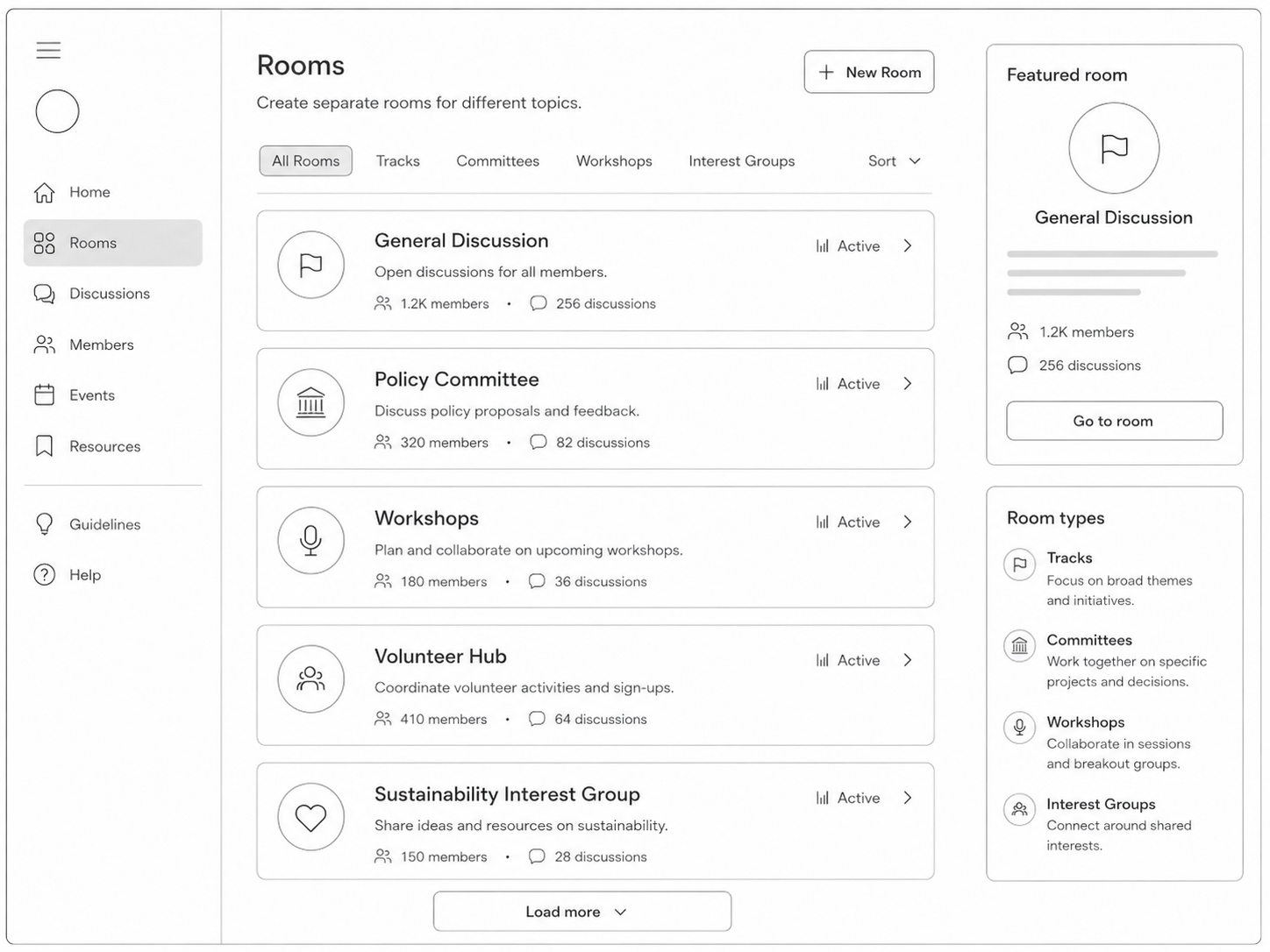
Create separate rooms for each community
Keep conversation relevant by giving each track, committee, cohort or partner a focused space with its own purpose.
- Open rooms for tracks, committees, cohorts, sponsors, workshops or member groups.
- Help participants find the conversations most relevant to them.
- Add room-specific context and participation instructions.
- Support several focused communities within one event platform.
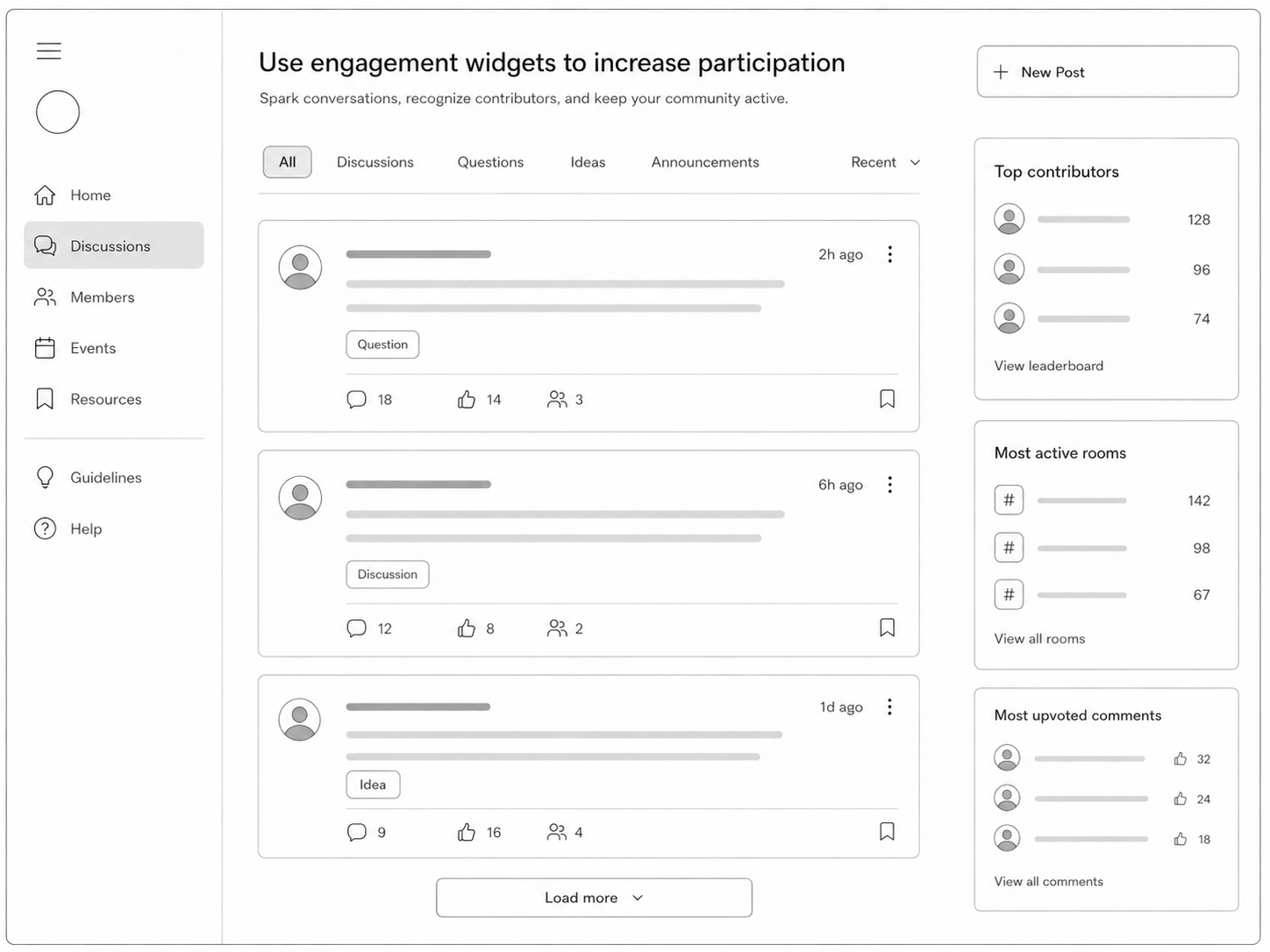
Show participants where the community is active
Use engagement widgets to surface useful people and conversations without making participants search the full feed.
- Highlight top commentators.
- Show the most active rooms.
- Surface comments that receive strong participant support.
- Help organisers identify topics that are gaining attention.
Use upvotes as a simple quality signal
Let the community recognise useful contributions and help important comments rise above routine activity.
- Allow participants to upvote useful comments.
- Bring high-value contributions into view.
- Let contributors see how their comments are received.
- Create a lightweight signal of interest without a complex scoring system.
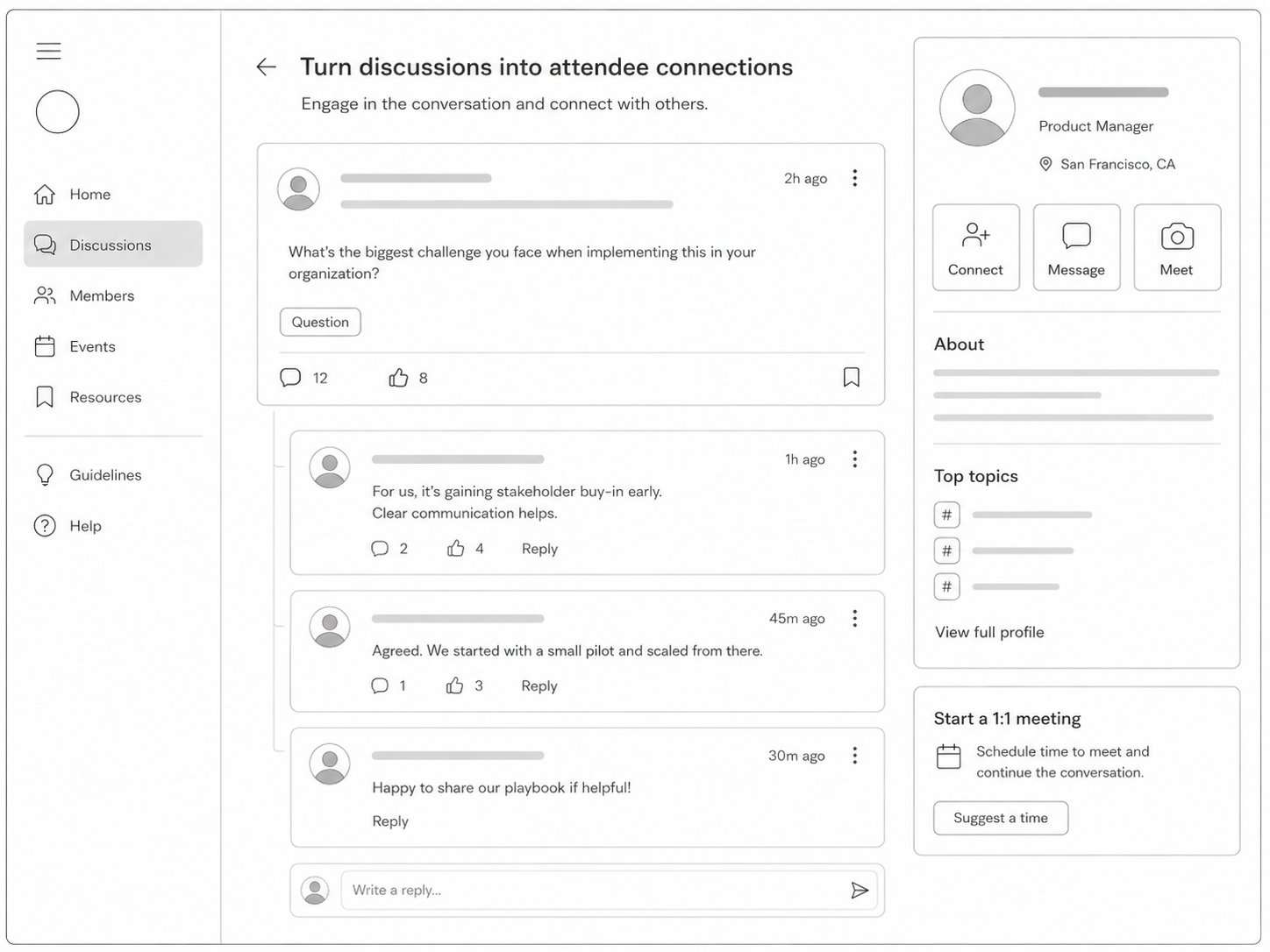
Move from a public discussion to a useful connection
Let participants follow a promising exchange with a direct connection, private conversation or scheduled meeting.
- Send and accept connection requests.
- Request a one-to-one meeting.
- Continue with instant private messages.
- Support structured networking around shared interests.
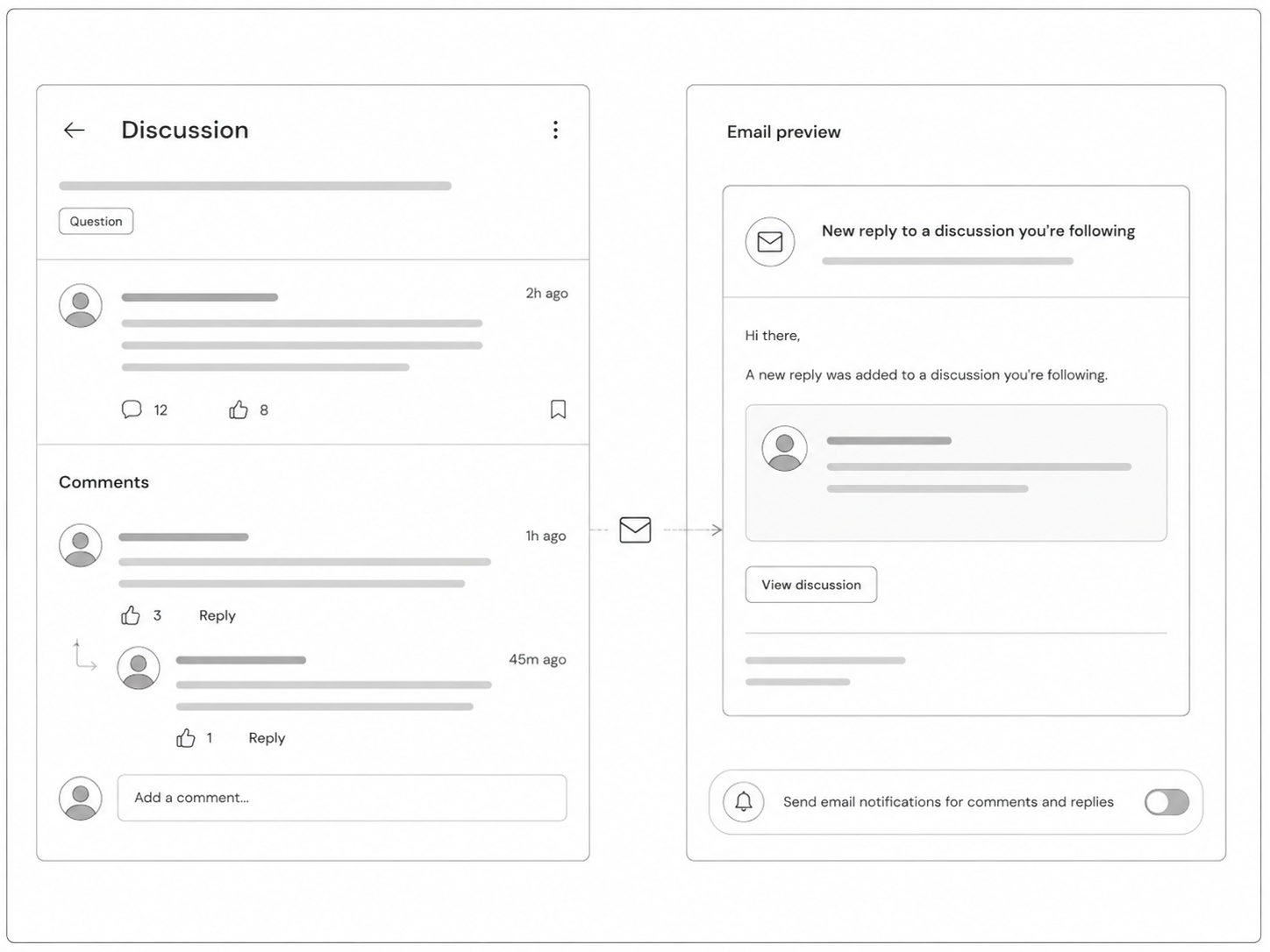
Bring participants back with relevant email notifications
Keep conversations moving by notifying people when a contribution needs their attention.
- Notify participants about comments and replies.
- Reduce missed responses in active discussions.
- Maintain momentum between event sessions.
- Encourage repeat visits to the community.
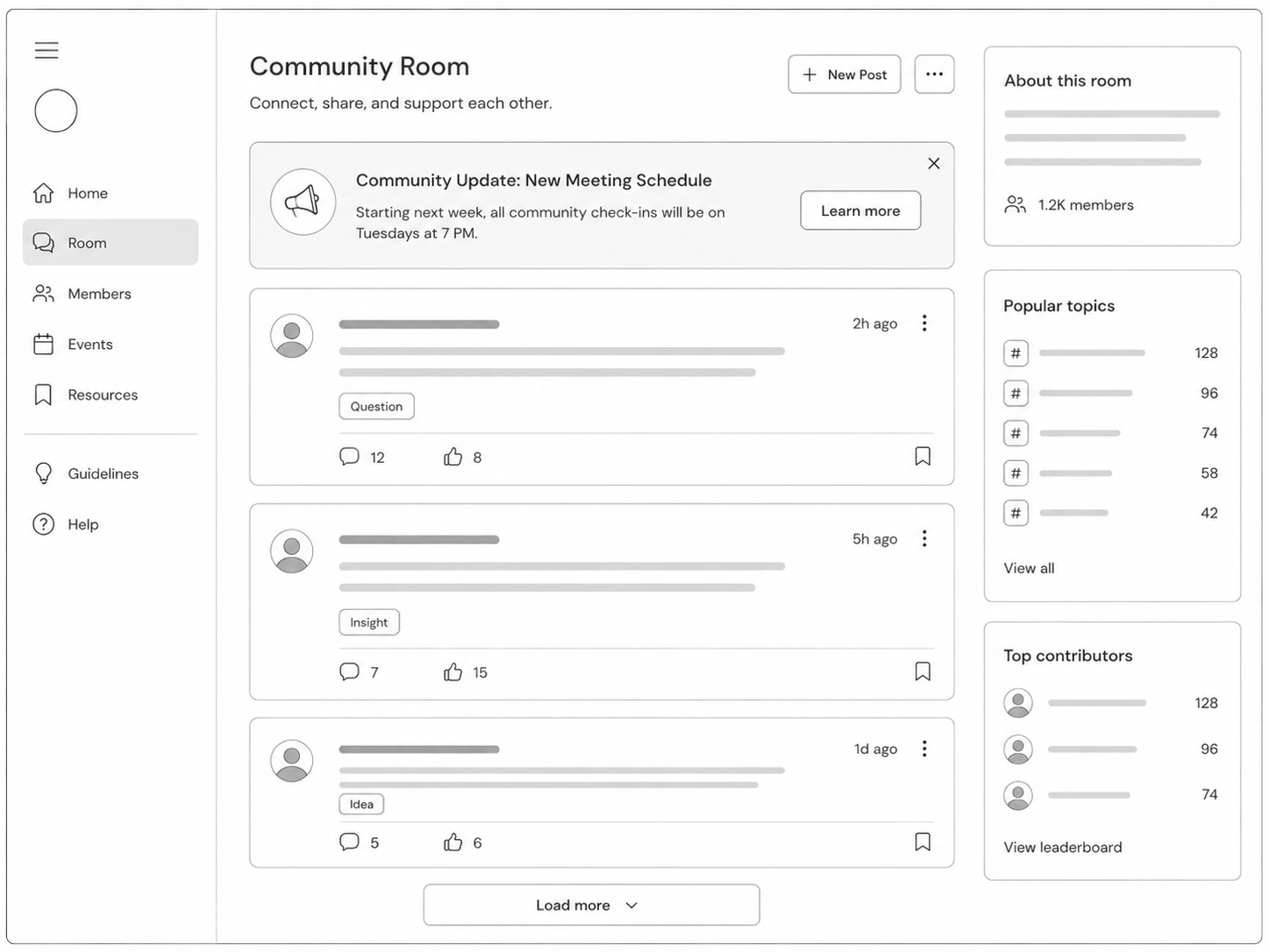
Guide each room with banners and announcements
Place the most important instruction or update above the room feed so participants see it before joining the conversation.
- Promote deadlines, instructions, sponsors or a featured discussion.
- Keep the announcement visible above the feed.
- Use different guidance for different rooms.
- Point participants to the next action or priority content.
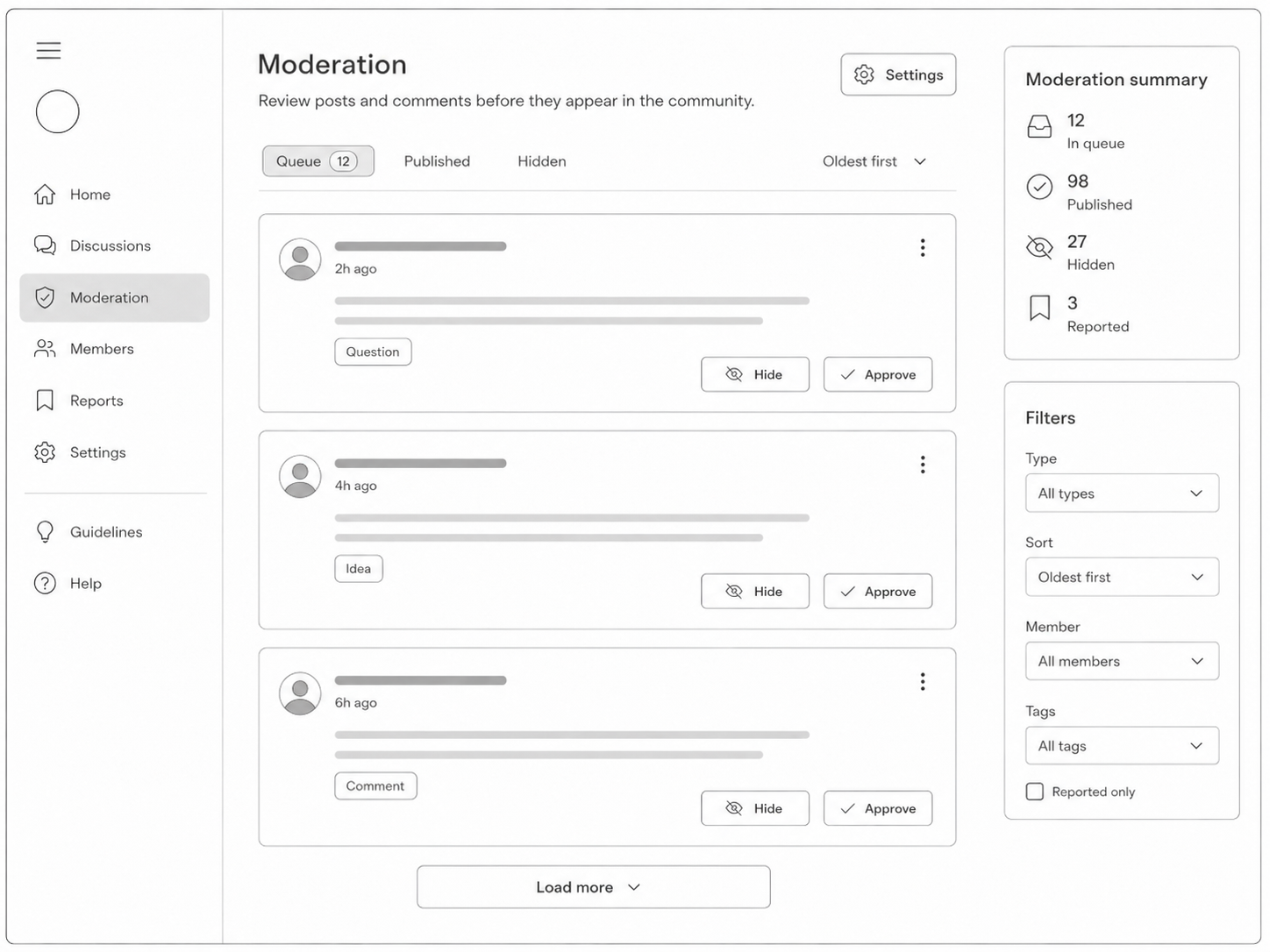
Moderate discussions with confidence
Give authorised moderators the controls needed to protect focused academic and professional conversation.
- Approve or disapprove comments and replies.
- Control spam, noise and inappropriate contributions.
- Protect the quality of serious academic and professional discussions.
- Give community owners confidence to open participation.
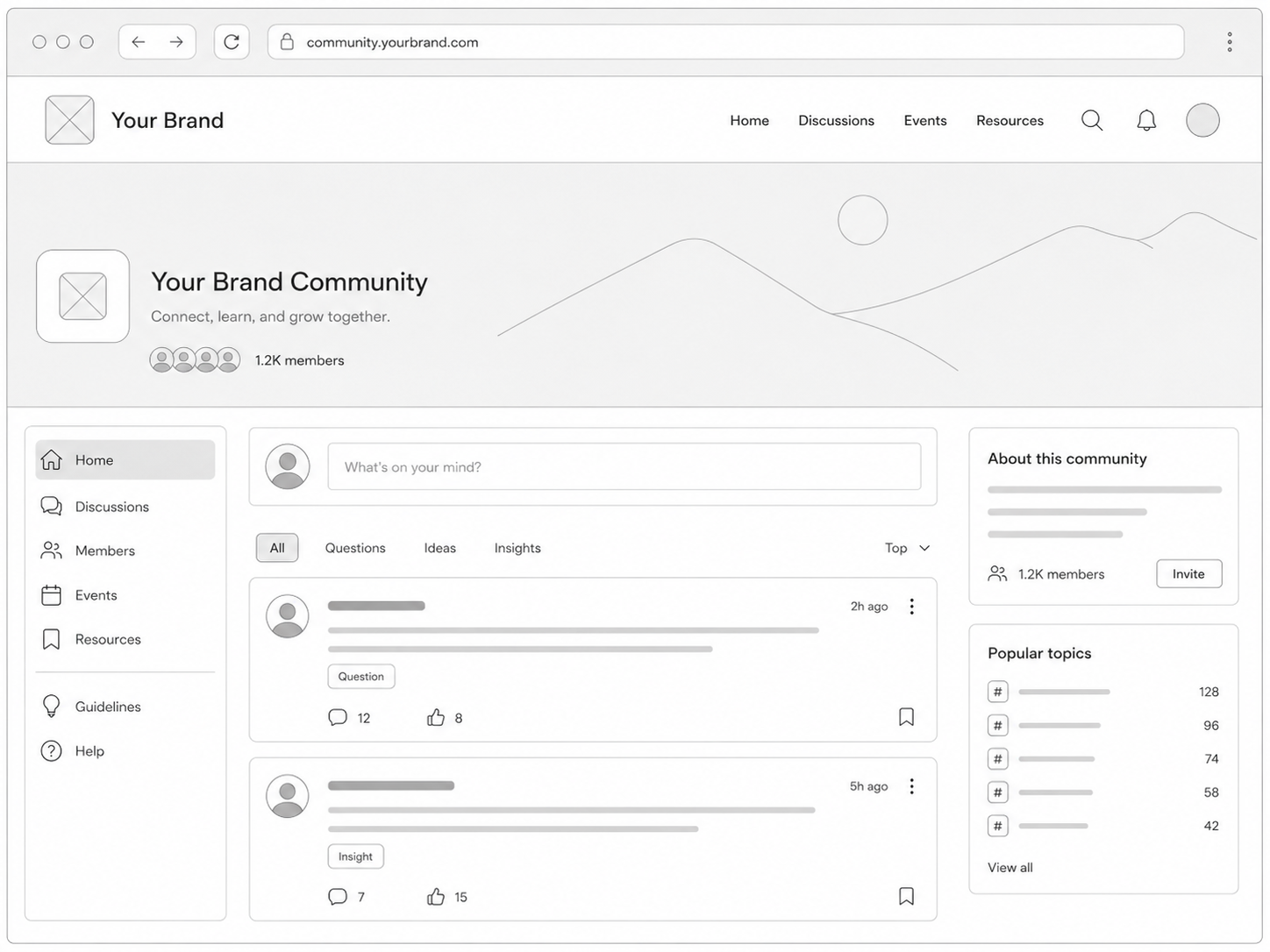
Present the community under your own event brand
Create a consistent journey from the event website and registration to the programme and community.
- Use an approved custom domain.
- Keep visual identity consistent across website, registration, schedule and community.
- Build participant trust through a familiar official presence.
- Position the community as part of the event platform rather than a separate service.
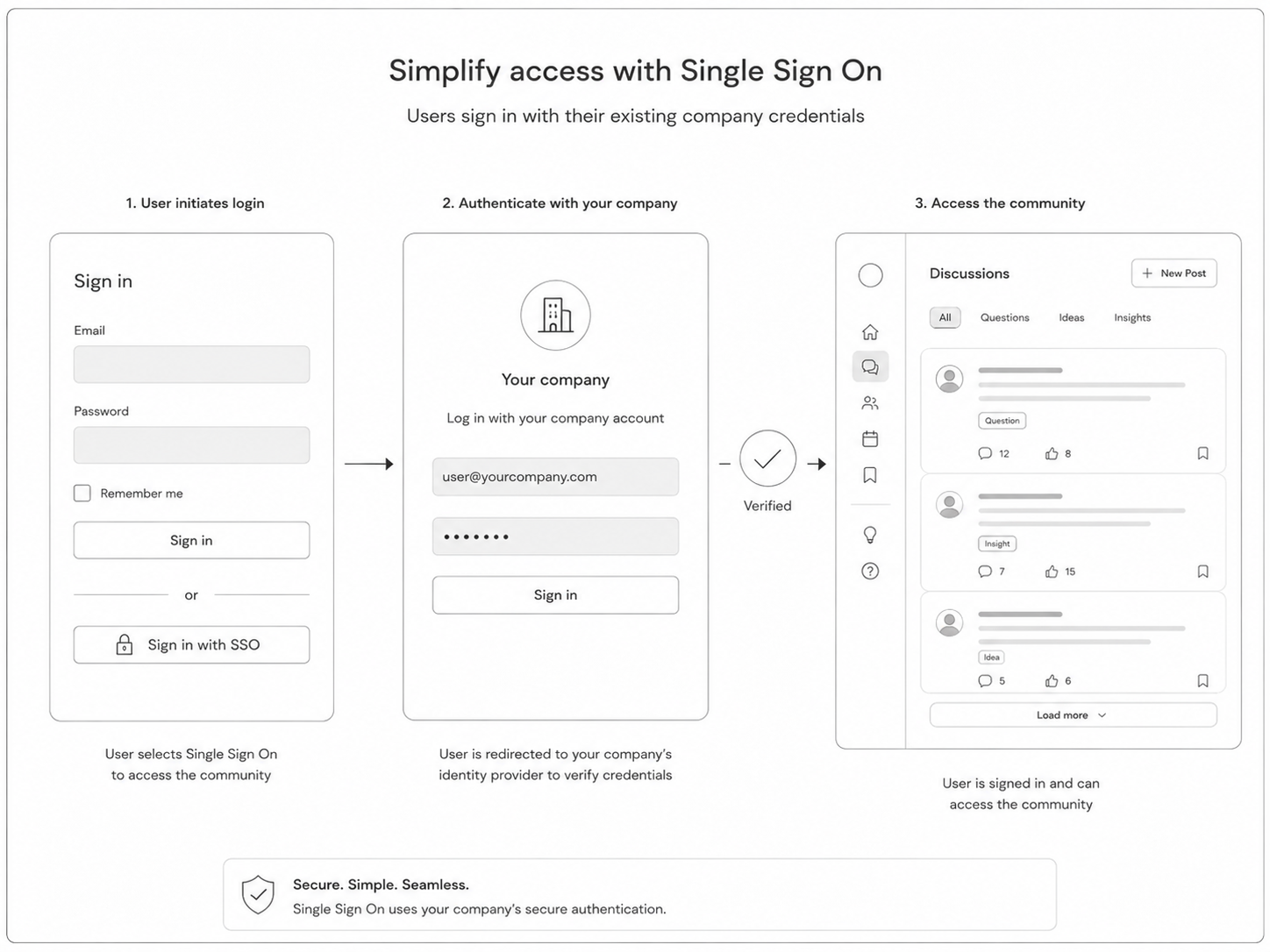
Use single sign-on for simpler governed access
Fit the community into established university, association or enterprise identity journeys where SSO is configured.
- Use the same approved identity flow for the event community.
- Reduce sign-in friction for universities, associations and enterprises.
- Support private and invitation-only community access.
- Keep access rules aligned with organisational governance.
More ways to support your event
Everything your team can manage in one place
More community and networking capabilities
- A discussion hub for attendees, speakers, reviewers, sponsors and members.
- Communities that operate before, during and after an event.
- Discussions connected to participant profiles and event activity.
- Topic rooms for tracks, committees, workshops and shared interests.
- Simple ways to discover active and useful discussions.
- Moderation and room-level controls.
- Announcements, featured discussions and clear next steps.
- Private messages and one-to-one meeting requests.
- Branded domains and configured single sign-on.
- Support for academic, enterprise, nonprofit, association and member events.
An event community that lasts
Build a stronger event community with Dryfta
Connect programme participation with continuing discussion, networking and shared knowledge in one branded environment supported locally for Saudi customers.
Related guides and articles
Continue planning with practical resources



Full feature list
What you can do with this product
Explore the complete feature list for this product and see how each tool supports your team’s work.
Attendee engagement and networking
Help participants discover people, exchange details, schedule meetings and contribute to event conversations.
- Real-time attendee and session presence updates
- Manual, QR and self-service event and session check-in
- Event and session discussions, comments and participant ranking
- Self-service attendee dashboard for profiles, tickets and schedules
- Interest-based attendee recommendations and matchmaking
- One-to-one meeting scheduling and calendar invitations
- Contact-detail and vCard requests
- Sponsor and exhibitor lead retrieval using QR scanning
- Configurable public-profile layouts and privacy controls
- Reviewer registration protection and attendee account deletion controls
Event website management
Create, brand and manage responsive event websites and attendee experiences from one dashboard.
- Template, visual editor and HTML-based event website creation
- Clone an event, copy a master event and manage multiple events centrally
- Custom domains, configurable tabs, pages and navigation
- Speaker database, profiles, custom fields, deadlines and task dashboards
- Custom text, image and video pages plus document and media libraries
- Public, private, password-protected and registration-gated downloads
- Attendee dashboards, personal schedules and interest-based session recommendations
- Daily programme PDFs, overlapping-session displays and schedule sharing
- Responsive layouts across mobile devices
- Integrated website analytics, Google Analytics and social feeds
- Configurable platform language terms, character sets and event time zones
Integrations and APIs
Connect identity, marketing, communications, payments and reporting systems.
- Public API for approved data and workflow integrations
- Zapier connectivity with other web applications
- Single sign-on, including enterprise identity integration
- OIDC, SAML and LDAP support for enterprise deployments
- Salesforce contact and lead synchronisation with custom-field mapping
- Twilio SMS notifications
- Mailchimp, SendGrid and Constant Contact email connectivity
- Google Analytics and calendar integrations
- Streaming, webinar and meeting links for virtual and hybrid sessions
- Moyasar and Tap planned for Saudi payment processing
See how this would work for your event
Book a practical demo with the local Dryfta KSA team.
Dryfta products
Choose the tools your event needs
Each product works with the same people, programme, payment and engagement records.
Event Registration and Ticketing Software
Create registration forms, sell tickets, send confirmations and see who has paid—all from one place.
View productAbstract Submission and Peer Review Software
Collect abstracts, assign reviewers, record decisions and keep authors updated without juggling spreadsheets.
View productProgramme Scheduling and Speaker Management
Build your agenda, assign rooms and speakers, spot clashes and publish schedule changes quickly.
View product