
The event in every attendee’s hand
Event Networking App for iOS and Android
Give attendees schedules, alerts, speaker details, networking and event information on iOS and Android.
Mobile programme and engagement
Put the current event experience in every participant’s hand
Give attendees a personal schedule, programme updates, profiles, messaging, live participation, sponsor information and practical event pages through the mobile event app.
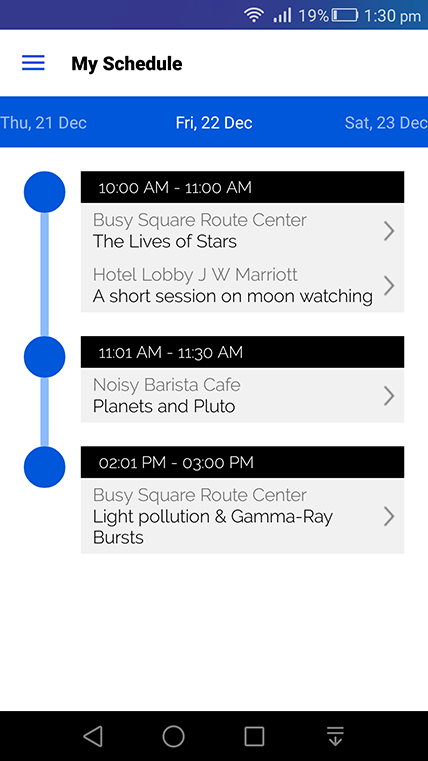
A personal schedule for every attendee
Let participants build a relevant agenda and check in from the sessions they plan to attend.
- Add sessions to a personal schedule and check in.
- Check date, venue and speaker conflicts so administrators can act quickly.
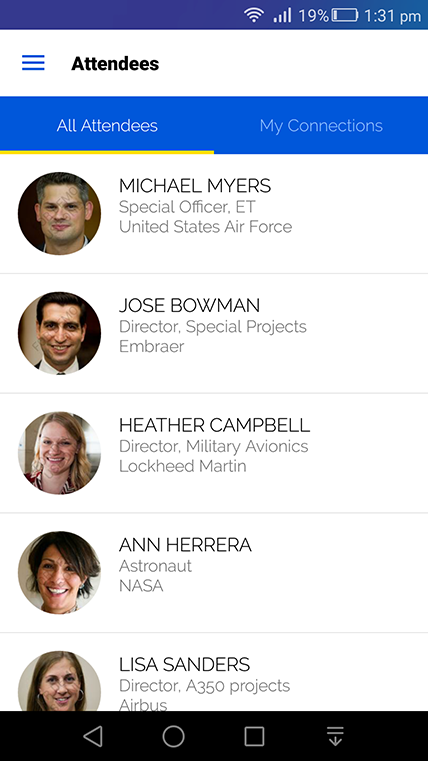
Profiles, messages and push updates
Keep attendee information and operational communication synchronised between the platform, website and app.
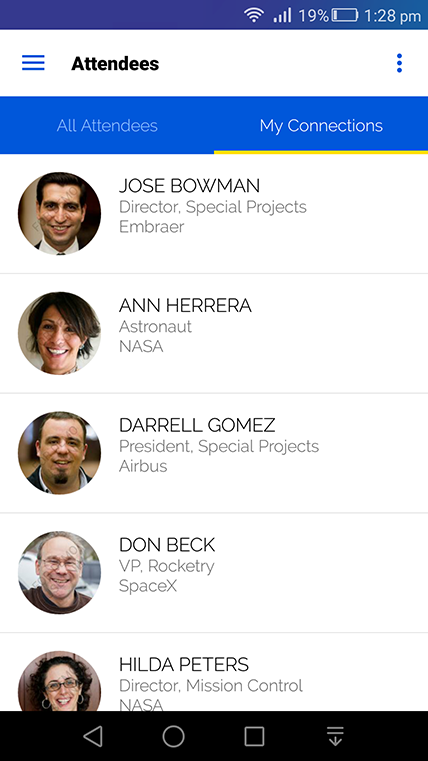
- Show approved profile details, abstracts and sessions.
- Let attendees control public visibility and private messaging.
- Send instant schedule, venue and event updates by push notification.
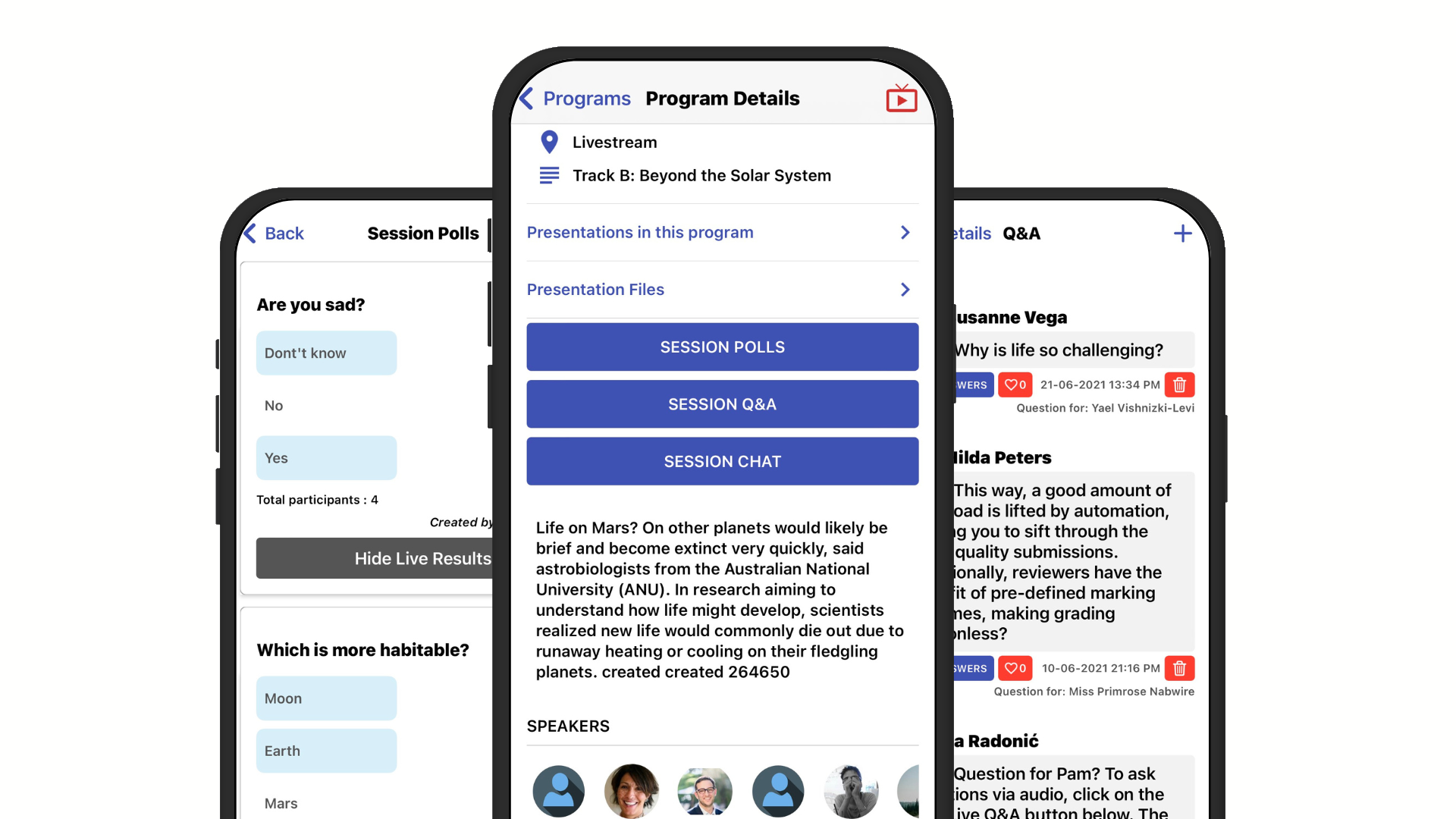
An interactive programme with polls, chat and Q&A
Make each session a useful mobile destination before, during and after it takes place.
- Display speakers, attendees, slides, save and check-in actions.
- Support live chat, moderated Q&A, feedback and real-time poll results.
- Push session changes to affected participants.
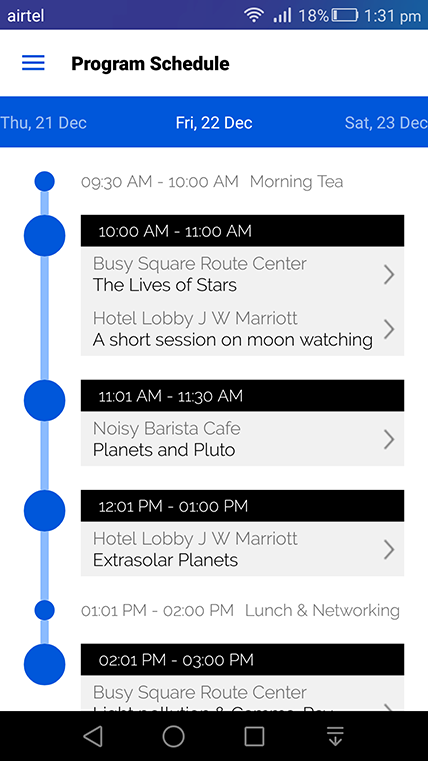
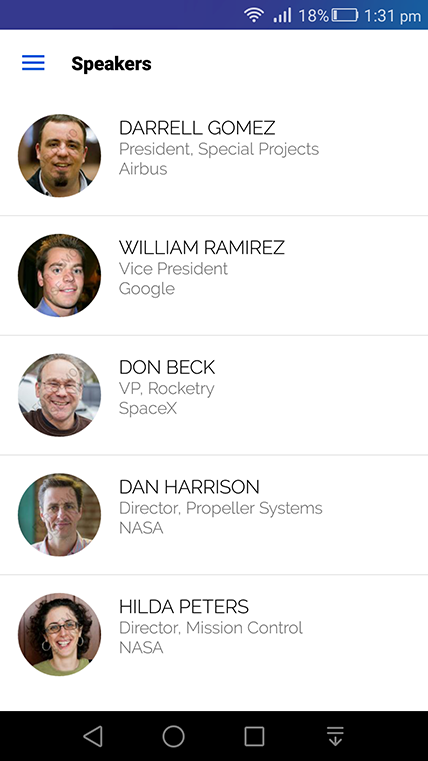
Rich speaker profiles
Connect each speaker’s biography with engagements, sessions and permission-based networking.
- Show approved profile and speaking details.
- Allow connection requests and meeting scheduling while speakers control public information.
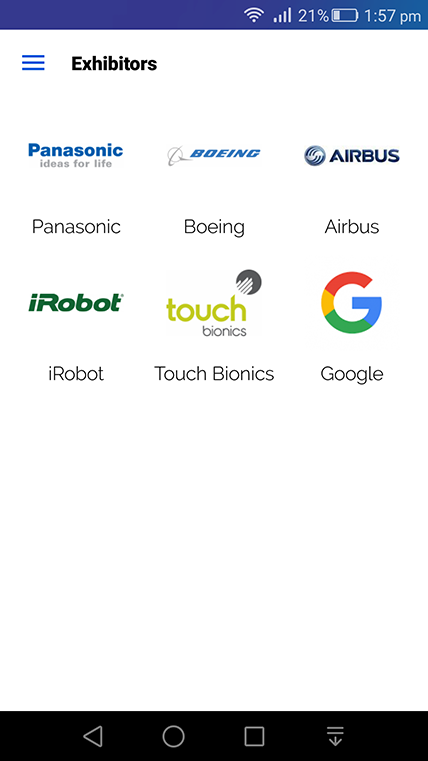
Useful sponsor and exhibitor profiles
Give commercial partners a structured presence that helps attendees discover and meet them.
- Display logos, links, video, products and attending representatives.
- Let attendees collect vCards and schedule meetings with representatives.
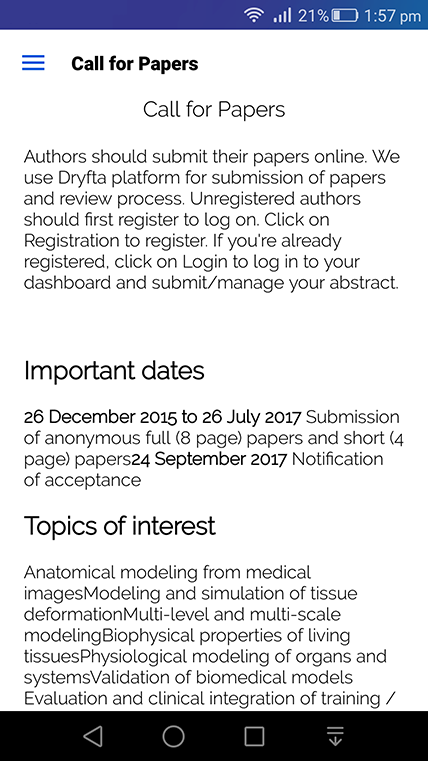
Unlimited practical information pages
Place venue, accommodation, logistics and other event guidance where mobile participants can find it.
- Add maps, directories and embedded floor plans.
- Link to ticket purchase and approved external resources.
Offline access for essential event information
Keep key app content available when connectivity at the venue is limited, then synchronise changes when a connection returns.
- Use cached programme and participant-facing information where supported.
- Synchronise sessions, pages and profiles as connectivity permits.
More ways to support your event
Everything your team can manage in one place
Community and content
- Create forum rooms, a searchable ePoster gallery and photo, video and document galleries.
- Display configured social feeds and synchronise approved content changes in real time.
App availability
- The Dryfta app supports Android and iOS distribution; branding and store configuration are confirmed per project.
A closer look
See how Dryfta’s tools work together


Related guides and articles
Continue planning with practical resources




Frequently asked questions
Practical answers before you begin
Does the app stay in sync with the event website?
Yes. Approved programme, profile and content changes use the same event records and can be reflected across the website and app.
Can attendees use parts of the app offline?
Essential cached content can remain available where supported. Actions that require current server data complete when connectivity is restored.
Full feature list
What you can do with this product
Explore the complete feature list for this product and see how each tool supports your team’s work.
Mobile event apps
Keep event content, personal schedules and networking tools available on iOS and Android.
- Multiple-event selection and synchronised event content
- Agenda, speakers, venue, attendees and custom content pages
- Personal schedules, profiles and connection lists
- Private messaging and meeting invitations
- QR scanning, contact exchange and phonebook saving
- Push notifications and automatic session reminders
- Event discussions, replies and engagement walls
- Offline-enabled access to key event information
- Ticket and badge QR scanning for event administrators
- Mobile surveys, polls and visual results
- Guest-access and notification preference controls
See how this would work for your event
Book a practical demo with the local Dryfta KSA team.
Dryfta products
Choose the tools your event needs
Each product works with the same people, programme, payment and engagement records.
Event Registration and Ticketing Software
Create registration forms, sell tickets, send confirmations and see who has paid—all from one place.
View productAbstract Submission and Peer Review Software
Collect abstracts, assign reviewers, record decisions and keep authors updated without juggling spreadsheets.
View productProgramme Scheduling and Speaker Management
Build your agenda, assign rooms and speakers, spot clashes and publish schedule changes quickly.
View product